


Modeling using Master Borehole
In the Geological Model frame, we select the master borehole. We always select a borehole with the biggest number of interfaces (ideally all).
In the table of layers, we assign individual interfaces and define the order of layers generation. The interface represents a upper border of the displayed soil. The continuous interfaces must be generated as first, then the other interfaces connected to continuous interfaces - e.g., soil lenses.
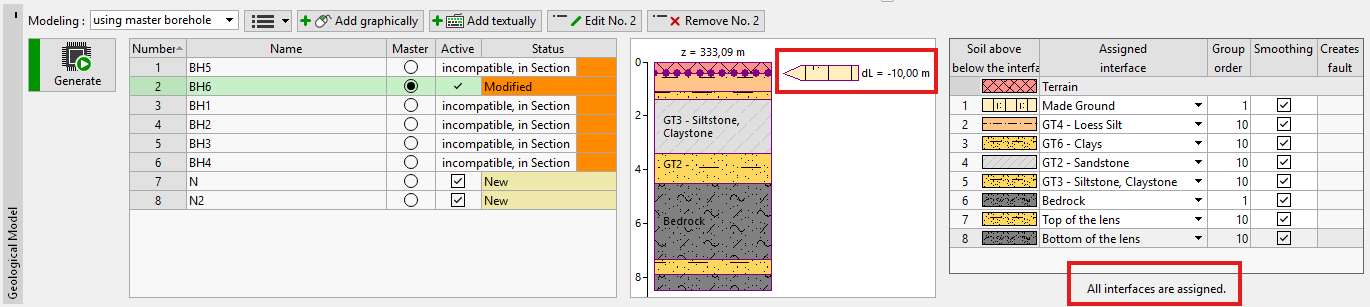
If not all defined interfaces are visible in the table of layers, it is necessary to edit master borehole and assign missing interface. The number of not assigned interfaces to the model is displayed below the table of layers. When all interfaces in the table are assigned, the information below the table is changed to "All interfaces are assigned".
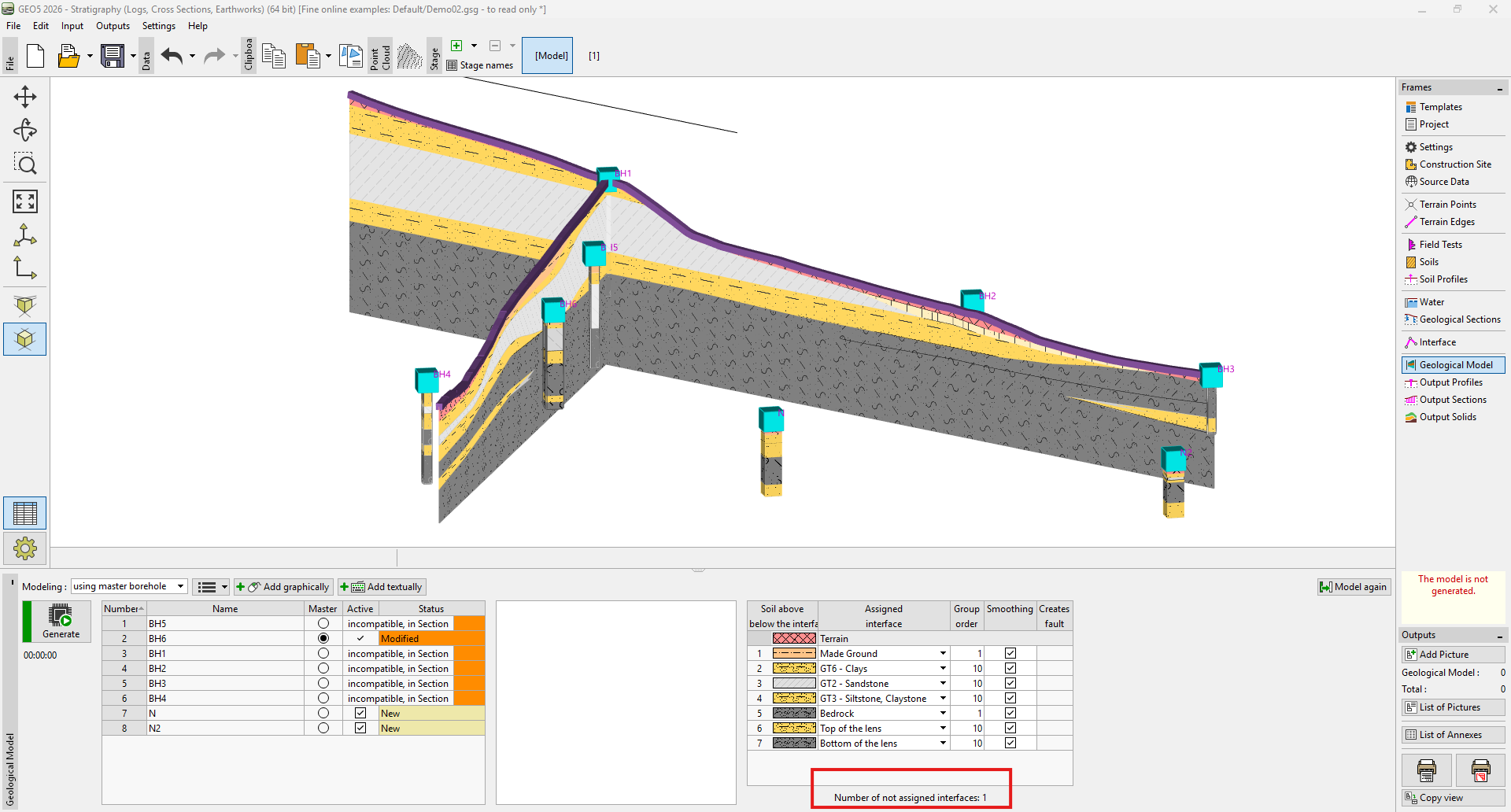 Model with one not assigned interface before edit of the master borehole
The layers with zero thickness are displayed on the visualization of a borehole.
The final model can be easily edited by adding new boreholes and changing their layers thicknesses.